$0
while in early access
- Unlimited countdowns
- Full editor — fonts, colors, languages
- Email + website embeds
- Per-recipient deadlines via merge tags
- Built-in AI assistant for setup & questions
- No credit card required
Early access — everything is free
Deadlines sell. A live countdown turns “ends soon” into urgency your audience can feel — in every inbox and on every page — and urgency into clicks and orders. One design, one URL, no code.
Editor
A visual editor for every part of the timer — what you see is exactly what lands in the inbox.
Click any part of the timer — its settings open right beside it.
Layers
Pick typefaces and weights for digits and labels independently.
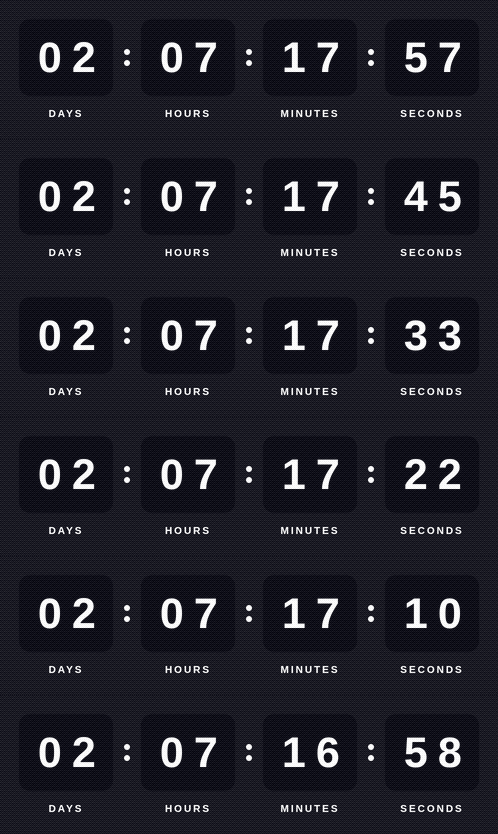
Days–hours–minutes, or add a ticking seconds block — switch anytime.
Localized labels from one design: English, Deutsch, Français, Español and more.
Every hex and opacity, plus multi-stop gradients — for the frame, boxes and dots.
Countdown types
Every timer is one of three kinds. Each row is a subscriber — the bar is the time they see from the moment they open the email, the number is what their timer shows.
Fixed deadline
One date for the whole list. Whenever they open, everyone runs out at the same moment.
“Black Friday sale ends Nov 28 at midnight”
Evergreen
The clock starts at each subscriber’s first open — everyone gets the full time, and reopening keeps it.
“Your welcome discount expires in 24 hours”
Recurring
Counts down to a set local time — 2 PM every day, on weekdays or every Monday. At 2 PM it rolls over to the next one, so nobody opens an expired timer.
“Order in the next 3 hours for same-day shipping”
Also: count-up timers and evergreen that restarts on every open. Compare all types →
AI assistant
Built into the dashboard. Say what you need in plain words — it drafts the timer and walks you through the setup.
Prefer your own AI?
Connect tikio to Claude, ChatGPT or Cursor over MCP and create timers from your chat.
…and any ESP or page builder that accepts custom HTML.
How it works
Pick colors, fonts and labels in any language — the preview updates as you tweak.
Choose a fixed date, a per-reader deadline or a daily reset — then copy one <img> tag.
Drop it into Mailchimp, Klaviyo or any page. It shows the time left every time the email is opened.
No code, no plugins, nothing to install.
Pricing
tikio is in early access — everything is free while we roll out. Paid plans arrive at public launch, and early users hear about it first.
$0
while in early access
Paid plans launch together with the public release — with a free tier to try things out.
3 months free
Sign up during early access and your first three months after launch are free.
When early access ends, your countdowns keep running — we’ll email you at least 30 days before any pricing change, and early users get their first three months free.
Free during early access, plus three months free once paid plans launch. Your first countdown is live in a couple of minutes.
Boost your next campaign